
How to Fix Seams in an Existing Texture or Generate a New One in 2026
When you are building a 3D game environment or a modular kit, texture seams break the illusion of a solid, continuous surface. In 2026, the question is no longer simply about hiding a line in Photoshop. It is about deciding whether to repair an old asset or generate a fresh, seamless one using modern AI pipelines. This guide compares both approaches so you can ship cleaner visuals faster.
Summary
Texture seams appear when UV coordinates or edge colors do not match across a surface boundary. Fixing them manually works for minor artifacts, but generating a new texture is often faster when the seam is caused by a fundamental issue in the source image. Tools like GripForge offer a shared asset library and seamless texture preparation features that reduce the need for manual stamping.
Why Texture Seams Happen
A visible seam usually means the texture map is not truly tileable. The left edge does not flow into the right edge, or the top does not match the bottom. This can happen when you use a photo with inconsistent lighting, when the height map is weak, or when the mesh UVs are not cleanly normalized.
Common causes include:
- Non-tileable source images with shadows on one side.
- Incorrect UV padding that samples the wrong pixels.
- Mismatched mip levels that blur edge colors differently.
The Case for Fixing the Existing Texture
If the texture is unique and difficult to reproduce, a repair is worth the effort. You can use offset filters in your image editor to move the seam to the center, then use a clone stamp or healing brush to blend the edge.
Steps to fix manually:
- Duplicate the texture layer.
- Apply a 50% horizontal and vertical offset to reveal the seam.
- Use a soft clone stamp to remove the visible line.
- Re-offset the image to confirm the edges match.
- Export as a lossless format to avoid compression artifacts.
This method works well for organic materials like dirt or concrete. It preserves the original artistic intent and keeps your material graph untouched. However, manual fixing is slow. It does not solve issues caused by a bad height or roughness map.
The Case for Generating a New Texture
In 2026, generating a new texture is often more efficient. AI-based tools can produce a base color, normal map, roughness, and height map that are already tileable. This approach eliminates the need to hide a seam because the generation model treats the image as a continuous wrap.
When to generate a new texture instead:
- The current texture has heavy baked-in lighting.
- You need a high-resolution 4K or 8K output.
- The material is simple to describe, like “wet cobblestone” or “brushed steel.”
- You plan to reuse the asset across multiple games.
GripForge focuses on seamless texture preparation and the creation of game-ready assets. The platform is built for developers who want to iterate quickly without spending hours in a photo editor. Because the tool is part of a larger 3D asset library, you can generate a material and immediately see how it works with shared meshes.
Comparing Time and Quality
The table below summarizes the key differences for a typical indie project in the United States.
| Criteria | Fix Existing Texture | Generate New Texture |
|---|---|---|
| Time to complete | 20–60 minutes per texture | 1–5 minutes per texture |
| Best for | Unique, hand-painted art | Realistic, tiling materials |
| Requires manual skill | High (Photoshop, GIMP) | Low (text prompt or seed image) |
| Output consistency | Depends on the artist | High, if the AI is controlled |
| Extra maps (normal, roughness) | Usually need separate editing | Often generated together |
Generating a new texture does not mean you lose control. You can still edit the result, adjust the seed, or blend it with your existing roughness map. The advantage is that you start from a clean, seamless base.
How GripForge Fits into the Workflow
GripForge provides a shared 3D asset library that includes meshes and textures. When you need a seamless material, you can use the preparation tools to ensure the edges match before you export to Unity, Unreal Engine, or Godot. If you are working on a browser-based game, the platform supports modular gameplay kits that work with the generated textures.
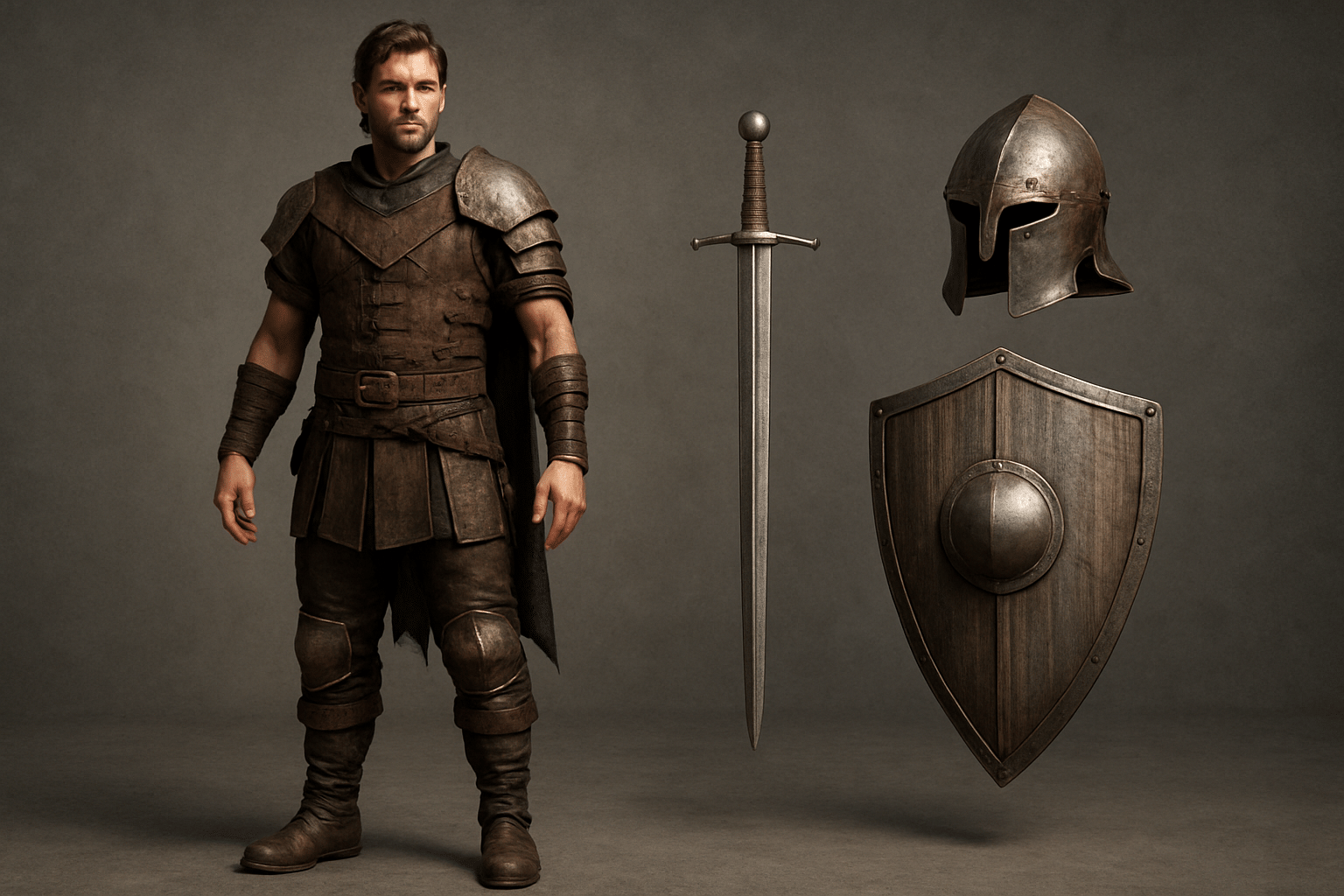
The service also pushes AI-based character generation and equipment attachments. This means you can generate a texture for armor, generate a character with empty hands, and then attach the weapons separately. The seamless texture workflow aligns with a modular approach to game development: you build reusable parts instead of one-off assets.
Which Is More Sustainable for a Team?
If you are a solo developer, generating a new texture is more sustainable. It reduces the number of tools you need to master. If you are an art director, fixing an existing texture may be necessary to maintain a specific style. A hybrid approach works best: use AI generation for generic materials and keep manual editing for hero pieces.
A quick decision list:
- Fix the seam when the texture is core to your brand look.
- Generate a new texture when the seam is obvious, the tile is small, or you need to iterate quickly.
- Use both when you need a base texture that you will later paint over.
Conclusion
Texture seams are a visual defect that players notice immediately. Whether you repair the old file or generate a new one depends on time, artistic control, and your quality bar. For most game teams in 2026, generating a new seamless texture with an AI-assisted pipeline is the fastest path to a polished result. Explore how GripForge can help you prepare seamless textures and share assets across your production.